Grama Volunteers / Ward Volunteers – Application Verification, Selection and Women Reservations

Following are guidelines issued by Government of Andhra Pradesh for the verification of applications and scrutiny process for the posts of Grama Volunteers / Ward Volunteers 2019. The process is already started and several applications were rejected. They can edit the details online and resubmit the applications for reconsideration. Following are guidelins and details of scrutiny of applications, selection and reservations for women candidates.

Also Read: Edit Applications Online for Grama / Ward Volunteer Posts
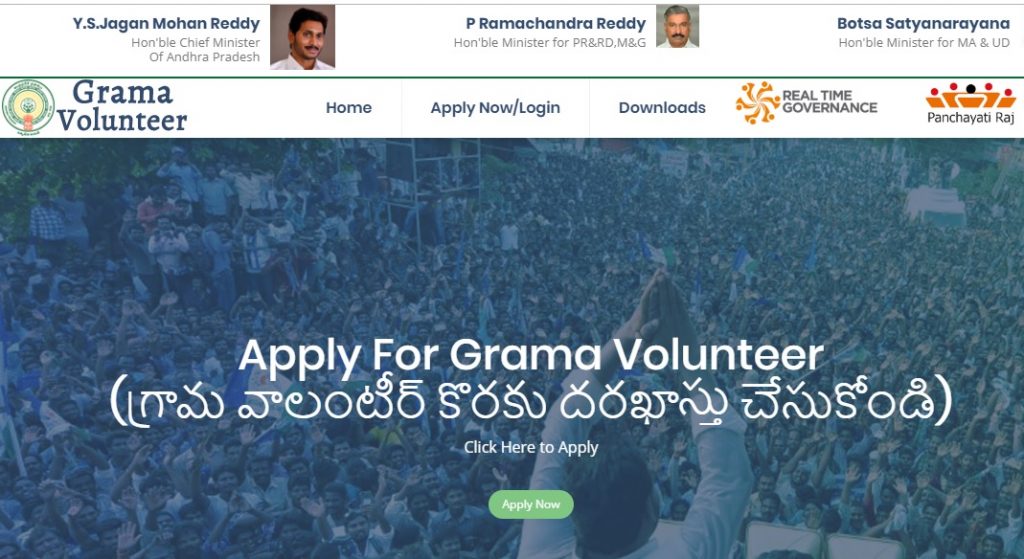
AP Grama Volunteers Logo

Guidelines on Scrutiny of Applications:

1) Created logins for all CEOs, ZPPs, and MPDOs and sent SMS alerts to the registered mobiles.

2) By login with mobile as USER ID, passwords can be generated by MPDOs on the website gramavolunteer.ap.gov.in

3) Is any MPDO wish to change the mobile number, they can contact CEO, ZPP, RTGS to update mobile number.

4) Online scrutiny user manual can be downloaded from respective logins.

Grama Volunteer / Ward Volunteer Application Verification Process:

1) Age of the applicant has to be verified with SSC certificate
2) Applicant’s name to be verified with SSC / Intermediate/ Graduate records.
3) Applicant’s uploaded education / qualification certificates to be verified.
4) Mee Seva Certificates to be verified for Socio Economic details.
5) Sadarem certificate to be verified in case of disabled category.
6) Application will be submitted only after validating all above mentioned criteria.
7) MPDO will finally validate the application as Accept / Reject
8) MPDO will update proper remarks for rejected applications.

Guidelines on Reservations:

Rule of reservations will be implemented taking Mandal as a unit as far as possible after carving out volunteer territorial units and 50 percent of the volunteers posts may be filled with women as far as possible. Any post in Scheduled Tribe areas has to be filled with Local Scheduled Tribe candidates only.

Grama Volunteer / Ward Volunteers in AP – Edit Applications Online and Resubmit

Candidates those applying for Grama Volunteer / Ward Volunteer can edit their applications online and resubmit the same for reconsideration. Candidates who applications were rejected can also edit the details online and resubmit the online applications.

Following are the details of edit application facility for Grama Volunteer / Ward Volunteer recruitment 2019:

Launch the browser and enter below URL. Grama/Ward Volunteer Dashboard Page will be displayed: gramavolunteer.ap.gov.in .

Step 1: If your aadhaar not seeded how to submit aadhaar? :

You can check your application status with below options:
Aadhaar number || Mobile number || Application ID
Select any 3 of above options, For example select radio button as “Mobile number”

This screen displayed with Application status, Application id,Name, Father name, Gender, Date of birth
To view your profile click on “View Profile” button

Step 2: How to edit pending application and resubmit?:

You can check your application status with below options
Aadhaar number || Mobile number || Application ID
Select any 3 of above options, For example select radio button as “Mobile number”

Enter your registered Mobile number, Captcha and click on “Send OTP” button. OTP will be sent to registered Mobile number.

Enter received OTP and click on “Verify OTP” button.
If OTP not received click on “Resend OTP” button.

This screen displayed with Application status, Application id,Name, Father name, Gender, Date of birth
To view your profile click on “View Profile” button.
Scroll down the page, Personal details will be displayed.To edit your date of birth click on “Edit” button.

To upload SSC certificate , Click on “Choose file” button, Select PDF file(File should be <1 MB) and click on “Upload” button.Your file successfully uploaded.
Click on “Submit” button. Your data submitted successfully.

Scroll down the page, Present addressdetails will be displayed.To edit your present address click on “Edit” button.

Change your address,Residence proof and click on “Submit” button. Your details submitted successfully.
To edit your education certificates, Caste certificates click on “Edit” button.

Click on “Choose file” button, Select PDF file (File should be <1 MB) and click on “Upload” button.Your file successfully uploaded.
Click on “Submit” button. Your data submitted successfully.

error: Content is protected !!